Latest Posts

  • World of Tanks

    World of Tanks – Micropatch 1.7_3 am 24.12.2019

    Die World of Tanks Server werden am 24.12.2019 für ungefähr 45 Minuten nicht zur Verfügung stehen.

    Downtime:

    • Beide Server ab 05:00 Uhr.
    • Clan-Portal ab 05.00 Uhr.

    Changelog:

    • fixed an error related to the lack of texture compression for the Jagdpanzer E 100 3D Panzerschiff style.
    • fixed an error caused by not displaying a pop-up hint for large jewelry on the award ribbon when opening a small box.
    • fixed a mistake due to which the emblems and inscriptions are mixed up on the screen of the awards for collecting the Christmas and Magic collections of 2019.
    • fixed some other technical errors.

    Quelle: WG EU Support und WG Asia, RU und NA.

  • World of Tanks

    World of Tanks – Micropatch 1.7_2 am 19.12.2019

    Die World of Tanks Server werden (wurden) am 19.12.2019 für ungefähr 45 Minuten nicht zur Verfügung stehen.

    Downtime:

    • Beide Server ab 05:00 Uhr.
    • Clan-Portal ab 05.00 Uhr.

    Changelog:

    • Fixed the issue when the stun indicator overlapped the reloading progress widget for double-barreled vehicles in the Sniper Aim.
    • Fixed the issue when a Platoon could not be created if the invited player has enabled the option Accept invitations from friends in the Garage.
    • Fixed some technical issues.

    Quelle: WG Support (wenn sie das iwann live schalten) ansonsten WG Asia, RU und NA.

    Als Zusatznotiz:

    After patch 1.7_2 was updated this morning, you may encounter an issues which you were not able to control your tanks properly or some of the UI interface are displayed differently. This is due to the compatibility between the recent patch and the game modifications installed.

    While urgent fixes are being worked on, we advise you to remove all game modifications or launch the game in safe mode from the Game Center.

    Wie üblich alle Mods updaten, vor allem XVM!

  • [TRYIT]

    Clantalk Recap vom 29.11.19

    Hallo zusammen, hier eine kurze Zusammenfassung des abgelaufenen Clantalk.

    • [ALL] Care Paket beworben, offen für TRYIT & LIVIT & Friends
    • [ALL] Weihnachtstombola 2019 beworben, Details bitte bei Dragokar erfragen
    • [ALL] Projekt KJ vorgestellt, Details bei Dragokar
    • [ALL] Kampagnenstart Mitte Januar
    • [ALL] Bloodys Stream vorgestellt
    • [TRYIT] Goldausschüttung des Saisoneinkommens erfolgt demnächst.

    Sollte ich etwas vergessen haben, mea culpa.

  • Pressemeldungen

    FinalWire veröffentlicht AIDA64 v6.20

    Das allseits beliebte Diagnose und Monitoringtool AIDA64 ist in Version 6.20 veröffentlicht worden. Die Highlights lauten:

    • AVX2 and FMA accelerated 64-bit benchmarks for AMD Zen 2 Renoir APU
    • Microsoft Windows 10 November 2019 Update support
    • AVX-512 accelerated benchmarks for Intel Ice Lake processors
    • EVGA Z10 RGB LCD support
    • Improved support for 3rd generation AMD Threadripper processors
    • Preliminary support for 4th generation AMD Ryzen desktop CPUs
    • GPU details for AMD Radeon RX 5500 Series
    • GPU details for nVIDIA GeForce GTX 1650 Super, GeForce GTX 1660 Super
    • Fixed lockup at startup on systems with multiple CPU groups

    Das vollständige Änderungsprotokoll findet ihr in der Quellenangabe.

    Quellen: Pressemeldung, Changelog

  • [TRYIT]

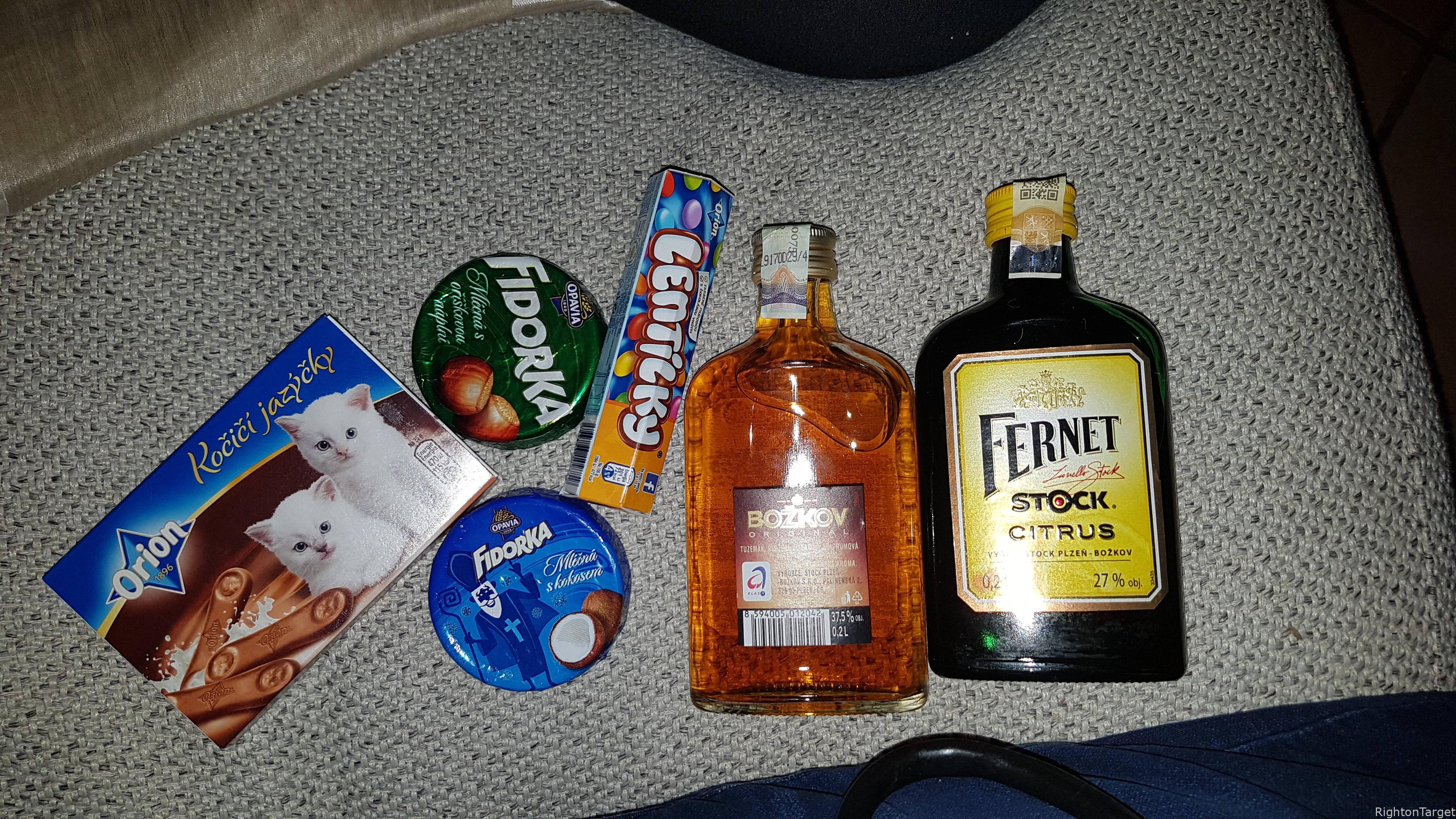
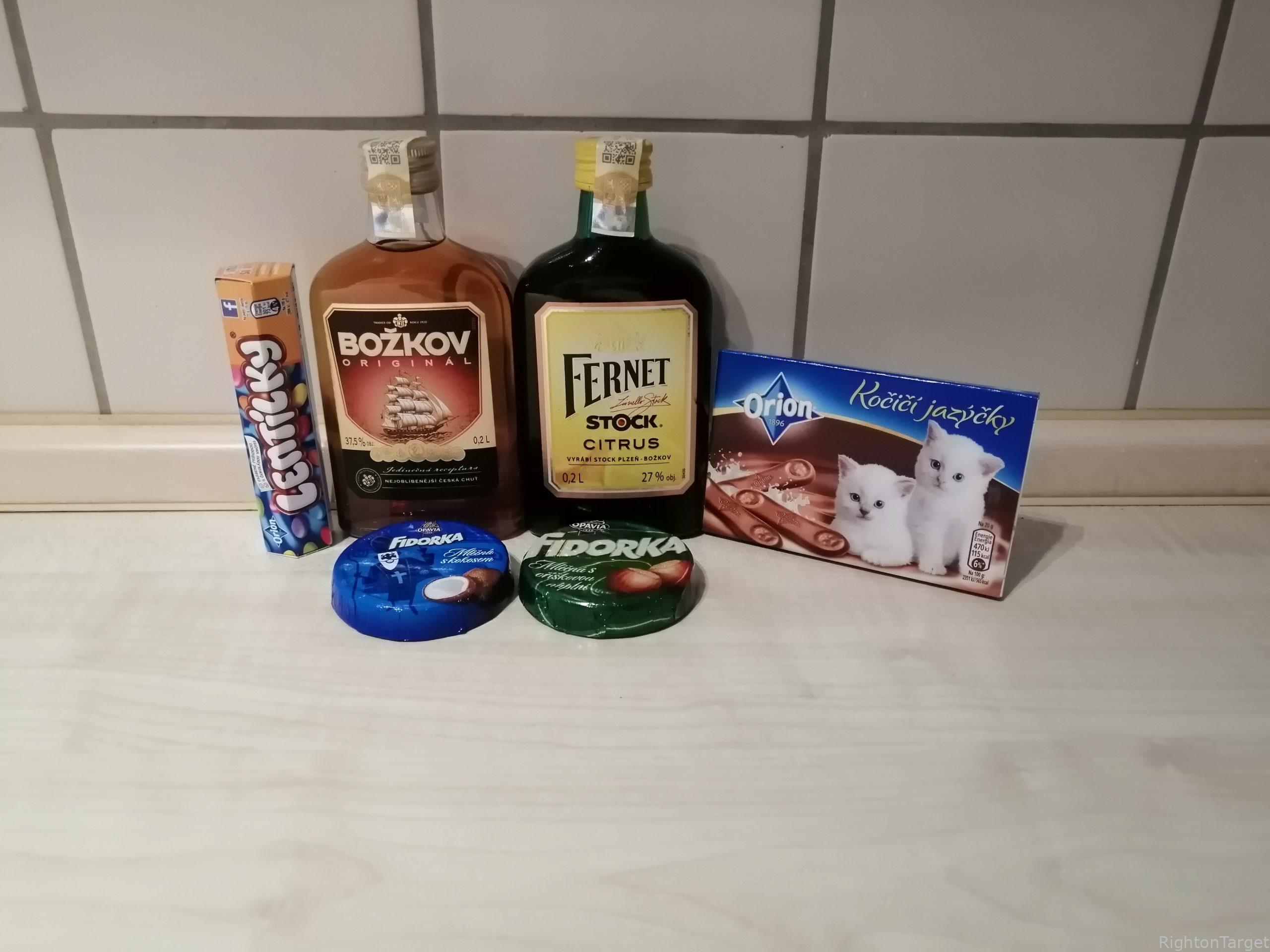
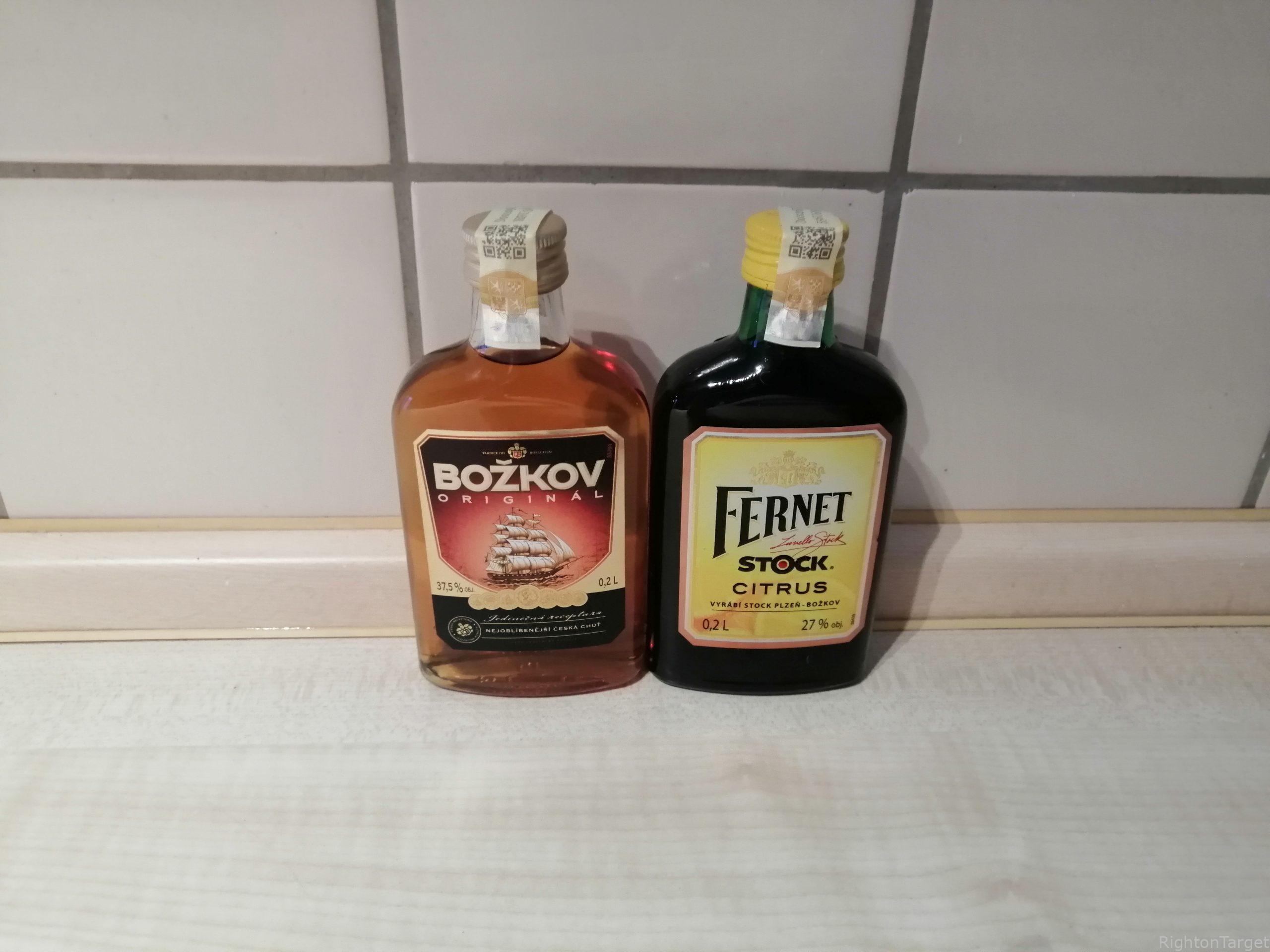
    Care Paket Station #7

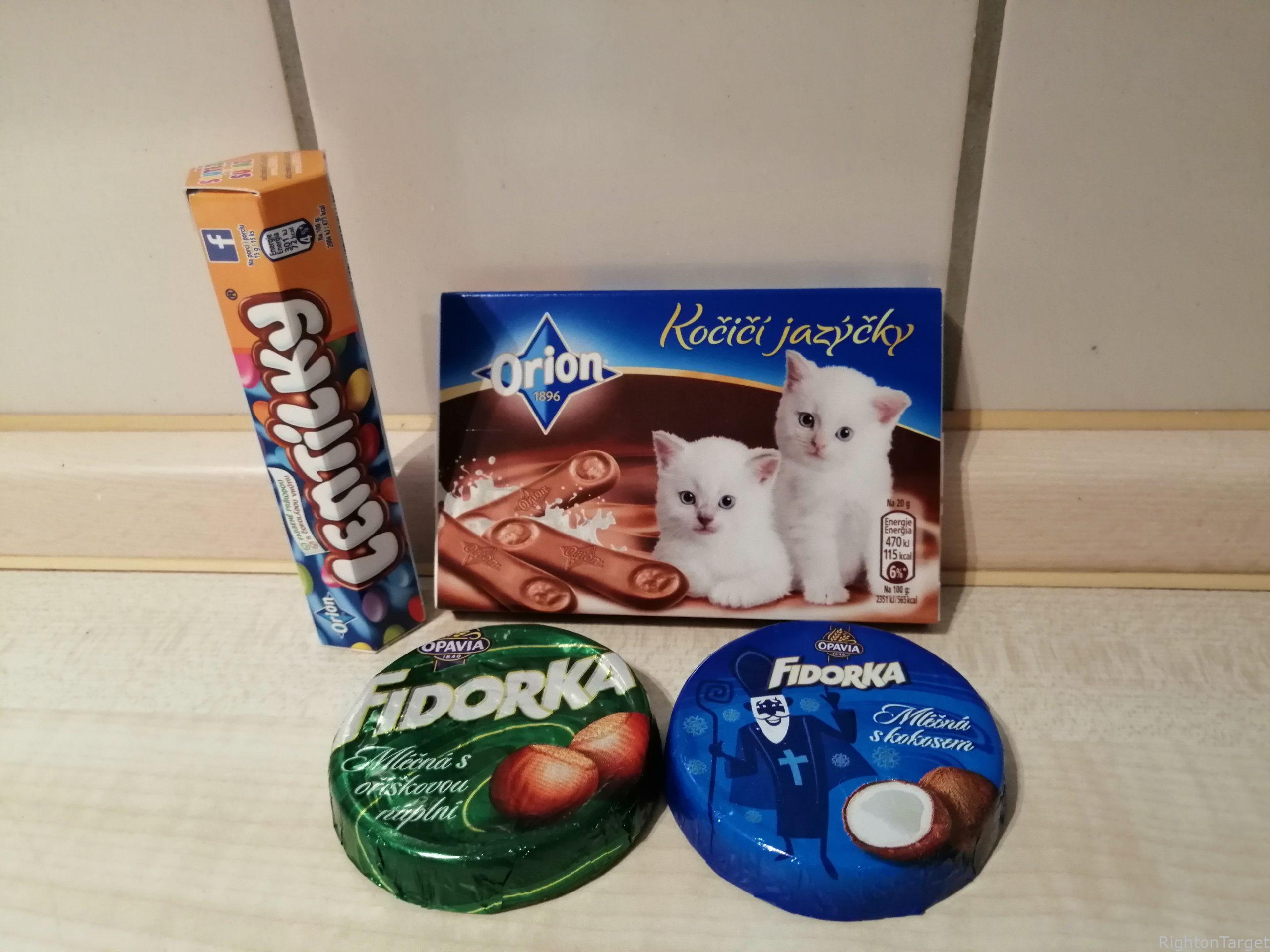
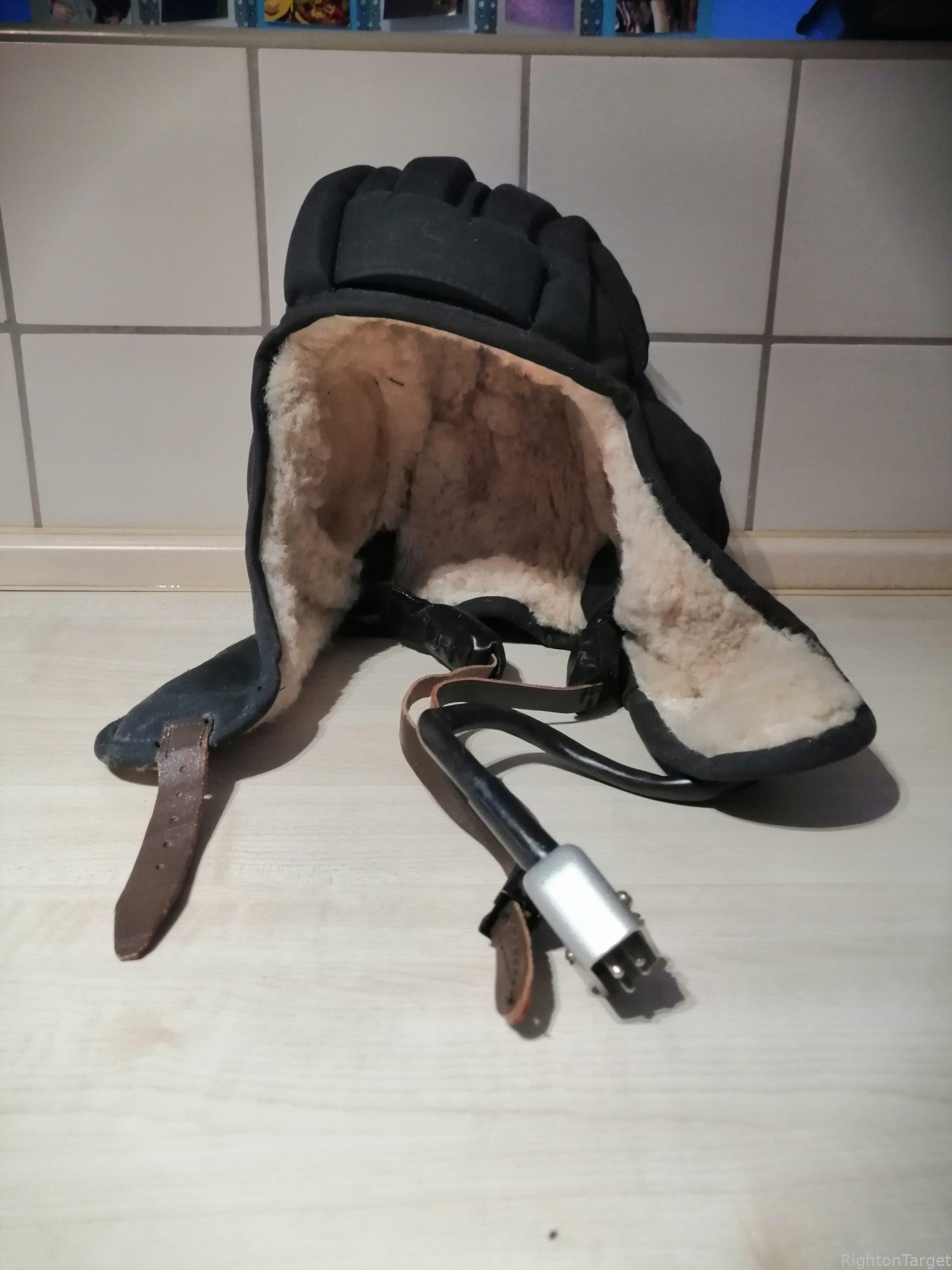
    Nachdem das Paket bei DrmedWurst24513 angekommen ist möchten wir euch kurz am Inhalt teilnehmen lassen. Der nächste Empfänger ist Proximal.

    Wir würden uns darüber freuen, wenn noch mehr von TRYIT & LIVIT + Friends daran teilnehmen. Es geht nur um ein paar kleine Dinge, von denen ihr denkt, das sich der Empfänger darüber freut. Alles in allem ein richtiges kleines Carepaket.

    Quellen: Carepaket Runde 1, Carepaket Runde 2, Station 1, Station2, Station 3, Station 4, Station 5, Station 6

  • Gefunden im Netz

    Wusstest du schon? TeamSpeak 5 #1

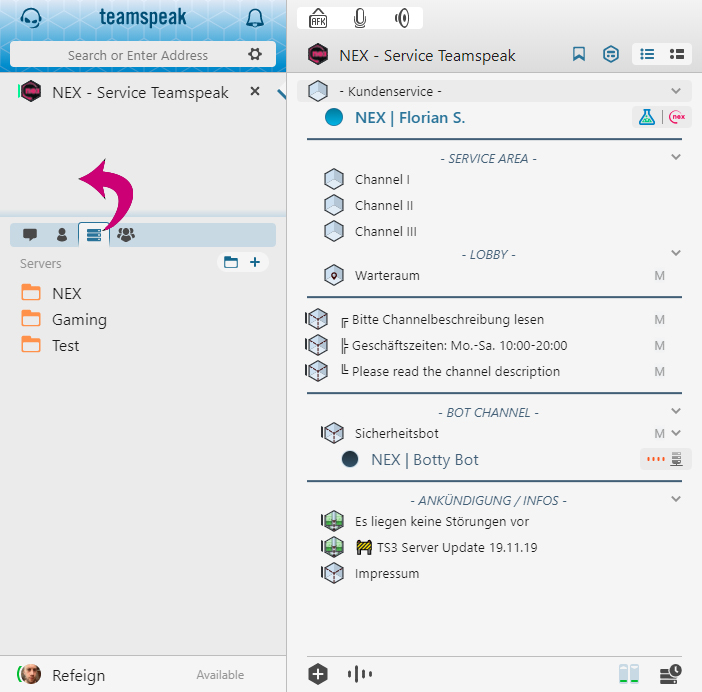
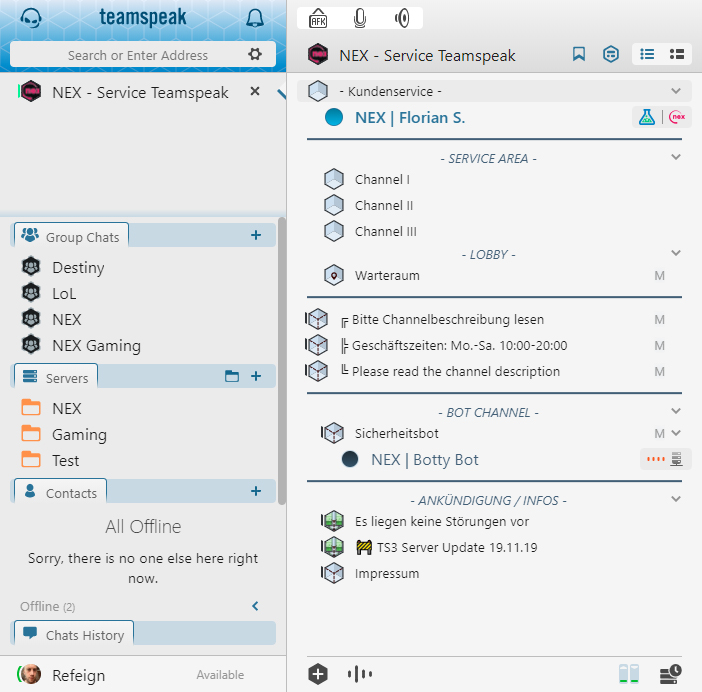
    Wusstest du schon, dass man im TeamSpeak 5 Client die Icons auf der linken Seite im Bookmark-Menü auch herausziehen und so nach Belieben anordnen kann?


    Um die Icons oder gar Kategorien neu anzuordnen, klickst du einfach auf ein beliebiges Icon und positionierst es an der gewünschten Stelle.


    Wer weniger Klicken möchte und eine sofortige Übersicht über das Geschehen in seinem TeamSpeak-Universum haben möchte, dem kommt diese Möglichkeit vermutlich sehr gelegen. Einfach ausprobieren!

    Zur Verfügung gestellt mit freundlicher Genehmigung von NEX Teamspeak.

    Quelle: NEX Teamspeak Blog